Bulletproof Adblock
Annoyingly, Amazon’s Echo Show lineup shows advertisements when it’s idle.
For a while, setting your language to ‘English (Canadian)’ stopped the ads.
Amazon enabled the ads again, so this is what I responded with:
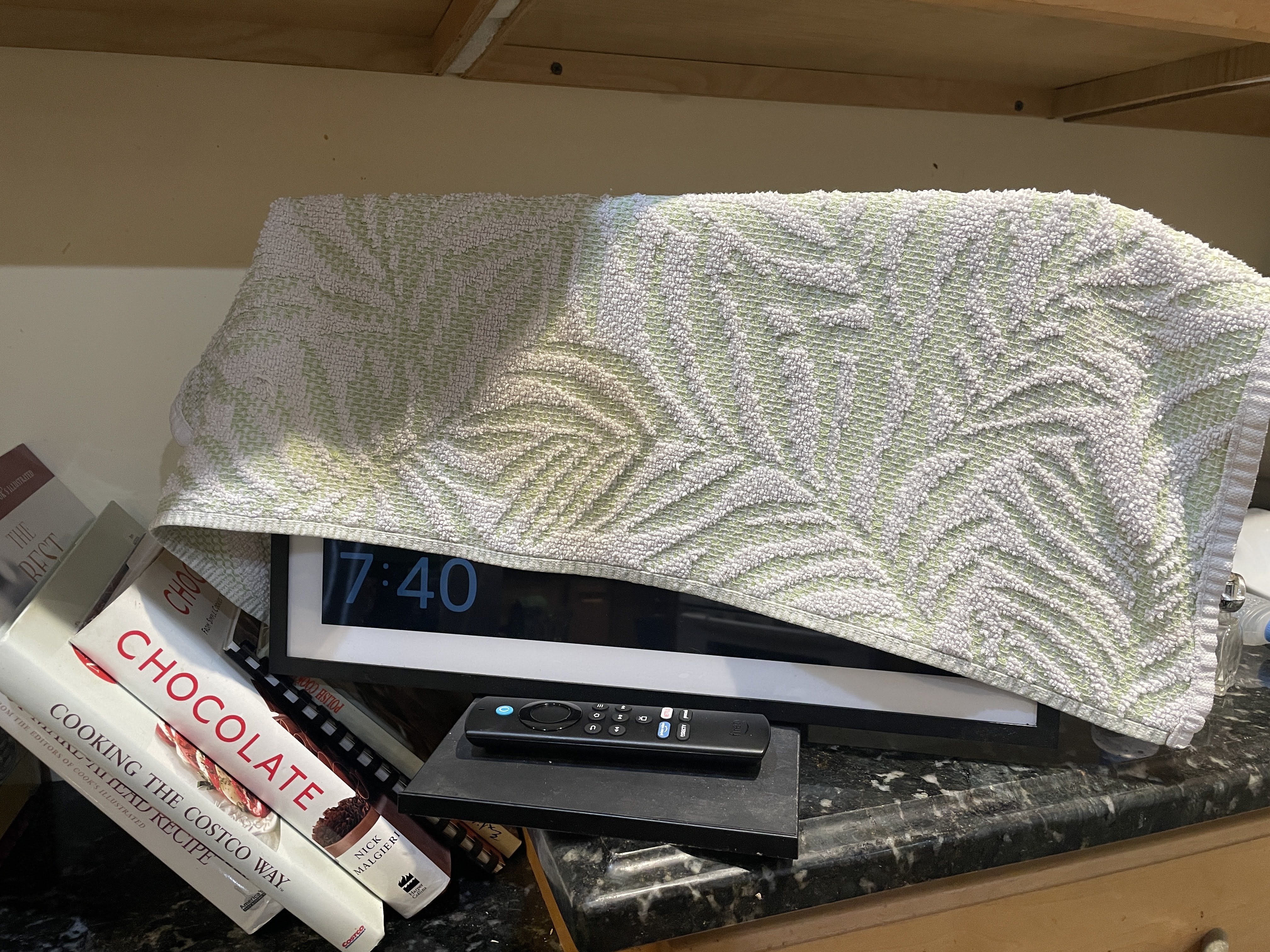
Before stooping to such foolproof methods, I tried to over-complicate it.
First, I tried Reddit, where I found the original ‘set to Canadian’ trick, but unfortunately, there’s no longer a silver-bullet solution.
Then, I tried to block the ads on a network level, using Pi-hole.
Unfortunately, blocking the domains suggested by the internet (and some others that showed up on the Pi-hole logs) caused the Echo Show to be useless in a variety of different ways:
-
The ‘Carousel’ home screen shows this default placeholder image, and no longer shows weather, images. The Alexa voice assistant still works, returning answers for questions.
-
But, setting a timer (of any duration) with Alexa created 17-hour long timers that could not be cancelled or changed; Tapping on the timer pills didn’t open the timer ‘app’. I can’t remember how they went away.
-
The Fire TV app stopped working
I didn’t find a set of domains that I could block that would remove the advertisements without turning the Echo Show to an Echo (Don’t) Show (anything).
I removed the domains from the Pi-hole’s blocklist, and it was essentially just being a DNS server. Then, DNS queries stopped getting resolved about a week later, much to the annoyance of the house. I put the router back in charge of DNS.